Opening the America Rising 2 Developer Menu
America Rising 2 - Legacy of the Enclave comes with a Developer Menu that can be used to try and recover from quest stalls. The way to open it changed in Version 1.0.5.
All Platforms
From America Rising 2 Version 1.0.5 and newer
- Go to the Vault 111 Government Facility
- Travel down the caves, until you reach the Vault Door
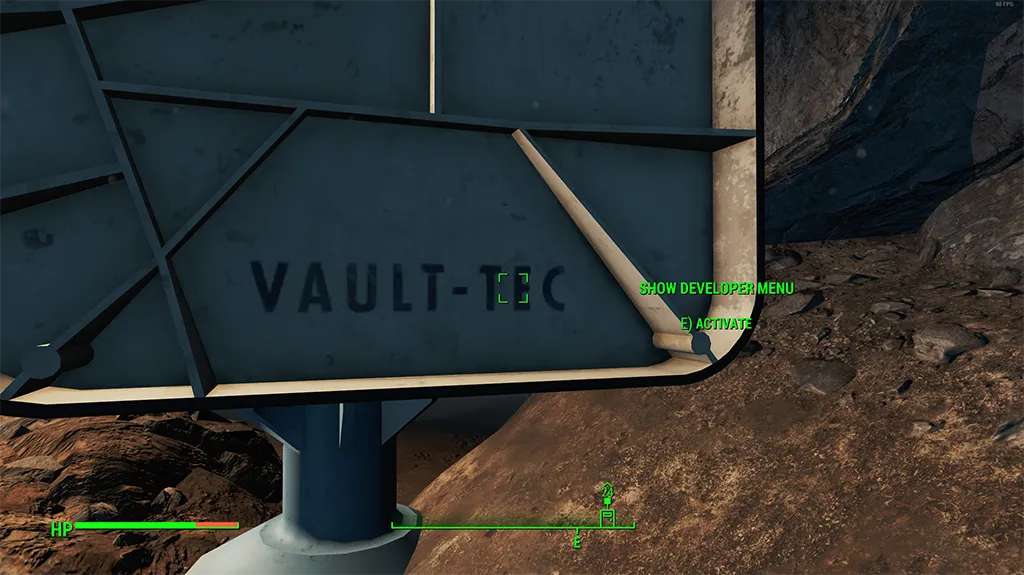
- Walk to the other side of the blue Vault-Tec shed (the one that contains the console to open the door)
- Look at the “Vault-Tec” text on the side of the shed
- The “SHOW DEVELOPER MENU” interaction should appear - interact with it 5 times to open the menu
From America Rising 2 Version 1.1.7 and newer
In addition to the above, from 1.1.7 you can now also access the Developer Menu on the Oil Rig:
- Go to the Oil Rig Exterior Hangar Area
- Head down to the Corner Hangar Bay
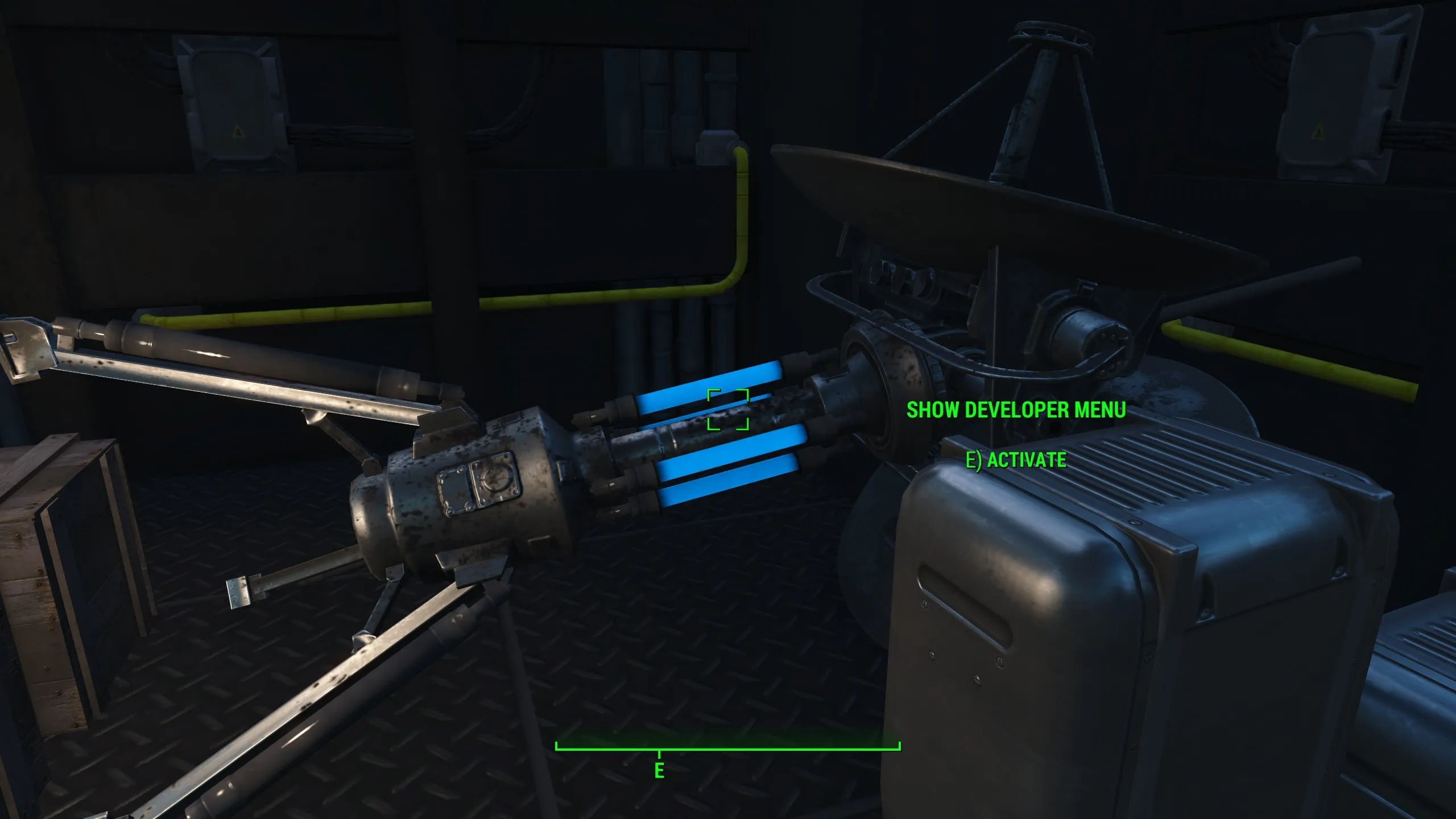
- Look at the two Comm Arrays on the ground (with the blue lights on them)
- Walk up to one of them and the “SHOW DEVELOPER MENU” interaction should appear - interact with it 5 times to open the menu
From America Rising 2 Version 1.0.4 and older
- Go to the Vault 111 Government Facility
- Travel down the caves, until you reach the Vault Door
- Enter the blue Vault-Tec shed (the one that contains the console to open the door)
- Interact with the Vault Door console 5 times to open the menu
PC Only
- Open the console with Tilde
- Type in the following text:
StartQuest AR_EnclaveQuestDebug- Press Enter
- Close the console